

Terms used in Crankwheel serve as the foundational language for high-impact visual sales and seamless screen sharing experiences at Techtoolsx.com. Mastering this specialized vocabulary empowers professionals to navigate the platform with ease while significantly boosting lead conversion rates through crystal clear communication. Understanding the Crankwheel glossary and visual engagement software terminology ensures that every sales presentation remains professional and efficient.
The digital landscape for sales is evolving at a rapid pace, making it necessary for modern professionals to adopt tools that facilitate immediate connection. At Techtoolsx, we recognize that the ability to share a screen without forcing a client to download software is a competitive advantage. The terminology within this platform is designed to be intuitive, yet a deep understanding of each specific term allows a user to unlock the full potential of the tool.
One of the most vital concepts to grasp is the Instant Demo. This term refers to the core capability of the software to launch a screen sharing session in real time, often while the salesperson is already on a phone call with a prospect. Unlike traditional meeting software that requires scheduling and calendar invites, an Instant Demo happens the moment a lead shows interest. This aligns with research from the Harvard Business Review which suggests that responding to a lead within five minutes increases the likelihood of qualification by nearly 400 percent. By using the Instant Demo feature, sales teams minimize friction and capitalize on high-intent moments.
Another key term is the Public Link. This is a persistent URL that a salesperson can include in their email signature or on a LinkedIn profile. When a prospect clicks this link, they are taken to a waiting room where they can request a live session. This creates a bridge between passive browsing and active engagement. In contrast, a Private Link or a session code is generated for a specific, one-time interaction, ensuring security and privacy for sensitive data presentations. Techtoolsx recommends using Public Links for general lead generation and Private Links for deep-dive technical consultations or contract reviews.
The term Preview Window is equally significant. This feature provides the presenter with a small, real-time view of exactly what the viewer sees on their device. This is crucial because it eliminates the common anxiety of asking: Can you see my screen? Since the presenter sees a replicated view of the viewer's experience, they can adjust their scrolling speed or mouse movements to ensure the prospect is following along perfectly. This technical transparency builds trust and maintains the flow of the conversation, which is a hallmark of the premium experience offered through Techtoolsx.
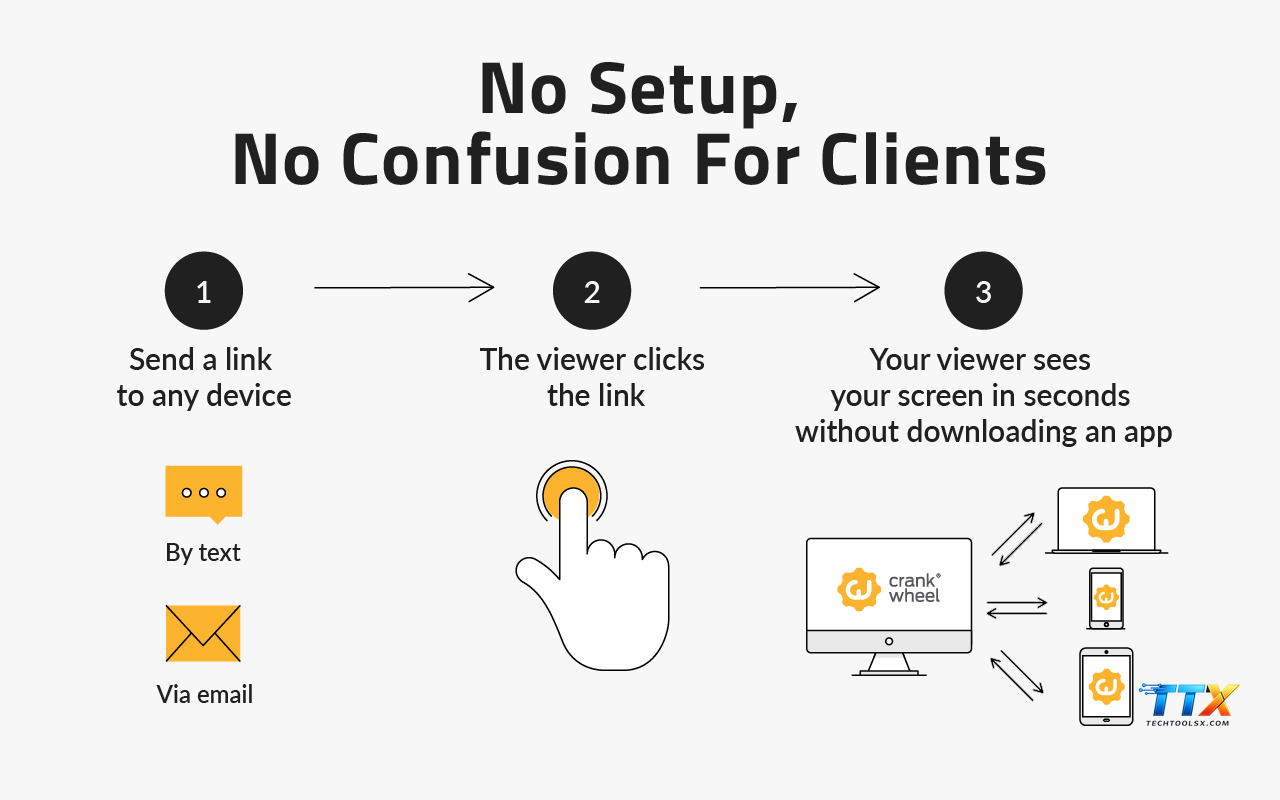
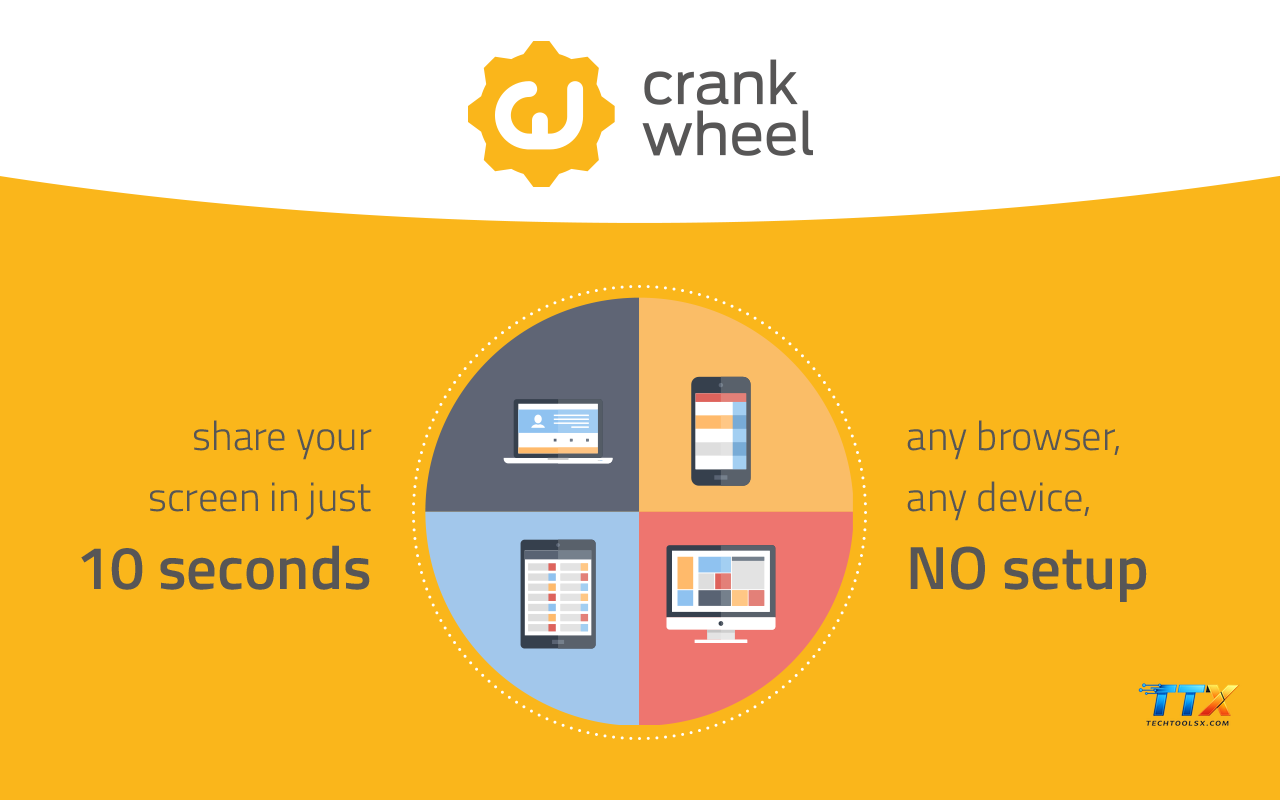
Furthermore, the concept of Zero-Install is a cornerstone of the platform philosophy. This term describes the technology that allows a viewer to join a session using any web browser on any device, including mobile phones and tablets, without needing to download a plugin or an application. For a busy professional or a skeptical prospect, the lack of a download requirement removes a significant psychological barrier to entry. Research in digital marketing and user experience shows that every additional step in a process leads to a significant drop-off in conversion. Zero-Install technology ensures that the path from interest to engagement is as short and smooth as possible.
Navigating the operational aspects of a screen sharing session requires familiarity with the specific labels and functions found within the control panel. When users explore the Crankwheel terminology, they often encounter the term Screen share full screen versus Share a tab or Share a window. Choosing to share a specific window or tab is a professional best practice that Techtoolsx highly encourages. This ensures that the viewer only sees the intended content, preventing accidental exposure of private emails or sensitive internal documents. It maintains a clean, focused environment for the sales pitch.
The term Remote Control is another functional highlight. While Crankwheel is primarily a presentation tool, certain settings allow for limited remote interaction, where the presenter can guide the user through a complex interface. However, the more common operational term is Request Pointer, which allows the viewer to show the presenter exactly what they are looking at by moving a virtual cursor on the screen. This bidirectional visual communication fosters a sense of collaboration rather than just a one-way lecture, making the sales process feel more like a partnership.
Session Recording is a feature that many high-performing teams at Techtoolsx utilize for quality assurance and training. This operational term refers to the ability to capture the visual and audio components of a presentation. These recordings serve as a valuable resource for reviewing sales techniques, identifying common prospect objections, and onboarding new team members. According to studies by Gartner, data-driven coaching that utilizes actual call recordings can improve sales performance by up to 20 percent. By mastering the recording terminology and workflow, managers can create a library of winning presentations that set a gold standard for the entire organization.
The Invite via SMS function is a unique operational term that sets this platform apart from traditional video conferencing. This feature allows a salesperson to send a session link directly to a prospect’s mobile phone via text message. In an era where mobile usage dominates, being able to transition a voice call to a mobile screen sharing session is incredibly powerful. The prospect simply taps the link and instantly sees the presenter’s screen on their smartphone. This level of accessibility is particularly useful for field sales, real estate agents, and insurance professionals who often deal with clients on the go.
Additionally, the Waiting Room is an operational term that describes the digital space where a prospect lands after clicking a Public Link but before the presenter starts the session. This space can be customized with company branding, introductory videos, or contact information. At Techtoolsx, we believe the Waiting Room is an excellent opportunity to reinforce brand authority and keep the prospect engaged for the few seconds it takes for the salesperson to connect. It transforms a technical delay into a professional touchpoint.
For the tech-savvy professional or the IT department, understanding the technical vocabulary is essential for successful integration and deployment. One such term is the Browser Extension. This refers to the small software module installed in a browser like Chrome or Edge that gives the presenter the power to share their screen instantly. The beauty of the extension is that it lives in the browser toolbar, making it accessible with a single click, regardless of which website or application the salesperson is currently using.
The term API Integration is frequently discussed by enterprise clients at Techtoolsx. An API, or Application Programming Interface, allows the screen sharing tool to communicate with other software like CRM systems (Salesforce, Hubspot) or custom-built sales platforms. When a session is concluded, the API can automatically log the session details, including duration and participants, directly into the CRM record. This automation saves time for the sales staff and ensures that data integrity is maintained across the organization.
Another technical term to be aware of is Low Latency. In the world of screen sharing, latency refers to the delay between the presenter moving their mouse and the viewer seeing that movement. High latency can lead to a disjointed experience where the audio and visuals are out of sync. Crankwheel technical vocabulary emphasizes low latency as a core feature, achieved through advanced video compression and global server networks. This ensures that the presentation feels fluid and natural, even if the presenter is in New York and the prospect is in London or Brazil.
Bandwidth Optimization is a term that describes how the software adjusts the quality of the stream based on the viewer’s internet speed. This is particularly important for international sales where internet stability may vary. The software intelligently scales the resolution and frame rate to prevent buffering or disconnects. This technical resilience is a key reason why Techtoolsx recommends this tool for global enterprises. It ensures that the message is delivered clearly, regardless of the technical constraints on the receiver's end.
The term SSL Encryption is also a vital part of the technical glossary. This stands for Secure Sockets Layer, a standard security technology for establishing an encrypted link between a server and a client. In the context of screen sharing, it ensures that the visual data being transmitted is protected from eavesdropping or interception. For financial services or healthcare professionals who handle sensitive information, knowing that every session is secured with high-level encryption provides peace of mind and meets compliance requirements.
The user interface of a tool is the bridge between human intention and digital execution. In the Crankwheel user interface terms, we find labels that are designed for speed and clarity. The Go Live button is perhaps the most iconic. It represents the transition from preparation to presentation. When a user clicks this, they are broadcasting their selected content to the connected viewers. At Techtoolsx, we coach our clients to ensure their screen is tidy and only relevant tabs are open before they hit this button, maintaining a high level of professional decorum.
The Toggle Audio label is another important interface term. While most users prefer to stay on their traditional phone line for the audio portion of a call, the platform also offers integrated VoIP options. Understanding how to switch between these audio sources or mute a line is essential for managing a smooth meeting. Effective use of audio controls prevents background noise from distracting the prospect and ensures that the presenter’s voice remains the central focus of the interaction.
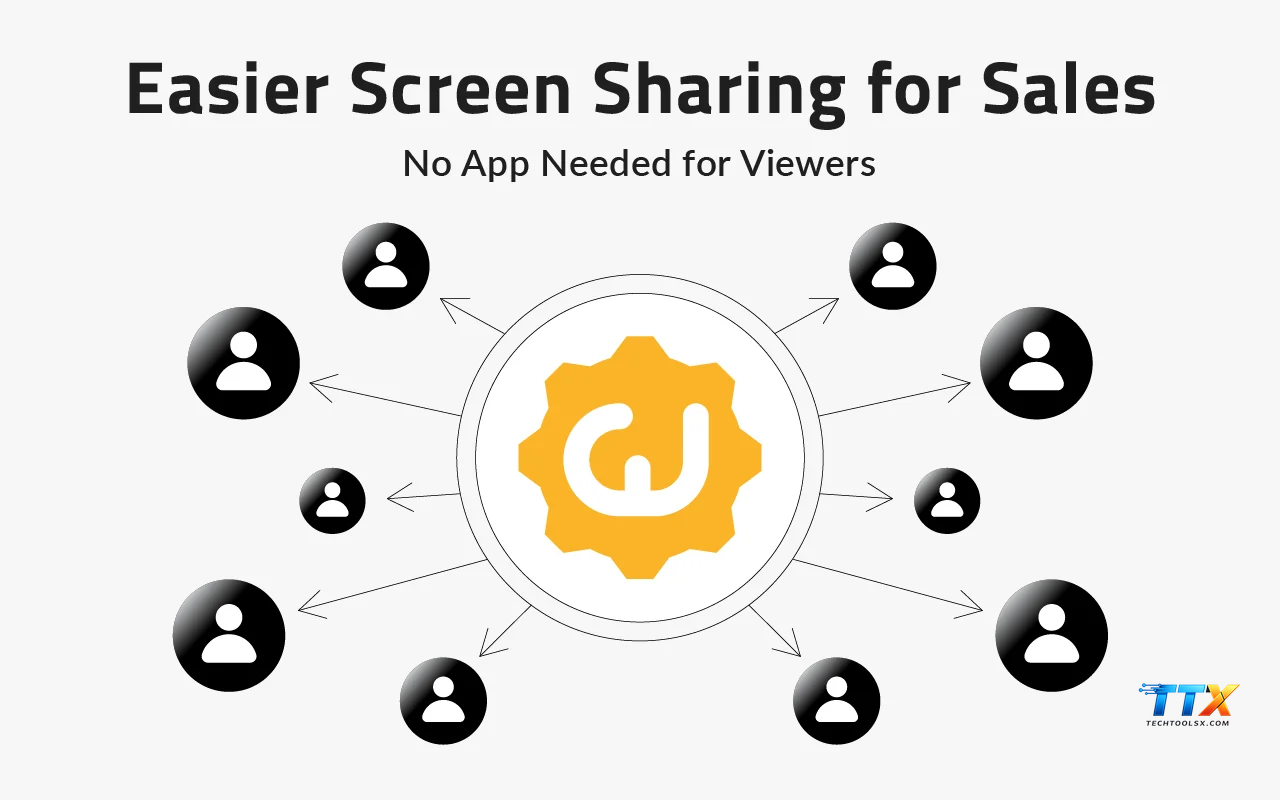
Participants List is an interface term that shows the presenter exactly who is currently viewing the stream. This is especially useful for group presentations or webinars where multiple stakeholders are involved. The list provides real-time feedback on connection status, allowing the presenter to identify if a key decision-maker has dropped off or is experiencing technical issues. Being aware of the participant dynamics allows the salesperson to tailor their delivery and ensure everyone is engaged.
The Screen Selection Menu is where the presenter decides what to share. The options typically include Entire Screen, Application Window, or Chrome Tab. For the best user experience, Techtoolsx suggests choosing the specific tab or window. This minimizes the risk of showing desktop clutter or unrelated notifications. It creates a streamlined, television-like experience for the prospect, where only the beautiful marketing materials or product demos are visible.
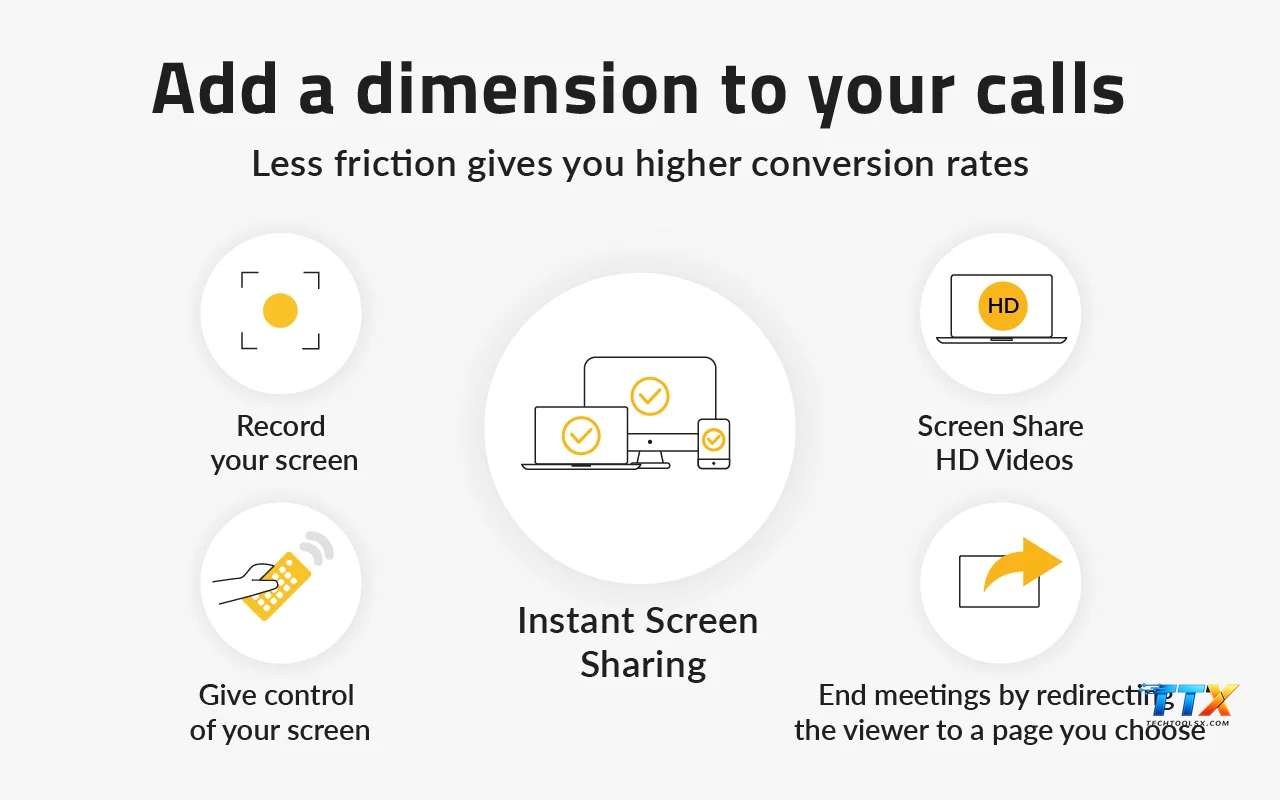
We must also mention the End Session label. While it seems simple, the way a session ends is just as important as how it begins. When the presenter clicks End Session, they can be redirected to a custom landing page or a feedback survey. This interface element is the final step in the digital journey, and using it correctly ensures a professional closing to the sales conversation. It leaves the prospect with a clear call to action or a thank-you message, reinforcing the positive impression created during the demo.
Why does mastering the terms used in Crankwheel matter so much for a business owner or a digital marketer? The answer lies in the concept of sales velocity. Sales velocity is a measurement of how quickly a lead moves through the sales funnel and generates revenue. By understanding and utilizing the features described in the glossary, a sales professional can remove delays at every stage. They can move from a cold call to a visual demo in seconds, address objections with real-time data, and secure a commitment without the need for a follow-up meeting.
Furthermore, a professional who speaks the language of their tools appears more competent and trustworthy. When a salesperson can confidently explain to a client that they are using a Zero-Install, SSL-Encrypted platform for a quick Instant Demo, it signals to the prospect that the company values their time and security. This E-E-A-T (Experience, Expertise, Authoritativeness, and Trustworthiness) is critical in high-stakes B2B sales. Techtoolsx is dedicated to helping users build this authority by providing deep insights into the tools they use every day.
The use of standardized terminology also aids in internal communication. When a marketing team creates a new Public Link for a campaign, the sales team needs to know exactly how to handle the incoming requests in the Waiting Room. When everyone uses the same Crankwheel terminology, there is less room for error and a greater capacity for collaboration. This organizational alignment is a key driver of growth for startups and established enterprises alike.
From a psychological perspective, visual engagement is much more effective than audio-only communication. Research indicates that the human brain processes images 60,000 times faster than text. By using screen sharing features to show rather than just tell, a salesperson can create a more memorable and persuasive experience. Mastering the glossary allows the presenter to focus on the storytelling and the emotional connection with the prospect, rather than fumbling with the technical controls.
Finally, the ability to analyze session data through the lens of technical terms like engagement time or participant drop-off allows for continuous improvement. If the data shows that most prospects drop off during a specific part of the demo, the sales team can refine their script or their visual aids. This data-driven approach to sales is what separates the top performers from the rest. Techtoolsx provides the resources and the guidance to turn these insights into actionable strategies.
When choosing a tool for your business, it is helpful to see how the terminology and features compare across different tiers. Below is a detailed table summarizing the current offerings for Crankwheel, which is a primary focus for many of our users at Techtoolsx.
| Feature / Plan | Free Version | Professional Plan | Enterprise Plan |
|---|---|---|---|
| Monthly Cost | $0 | Approx. $15 – $30 per user | Custom Pricing |
| Instant Demos | Limited per month | Unlimited | Unlimited |
| Public Links | 1 Link | Multiple Links | Unlimited / Custom |
| Branding | Standard | Custom Logo | Full White-Label |
| Security | Standard SSL | Enhanced Security | Advanced Compliance |
| API Access | No | Limited | Full API Access |
| Support | Community / Email | Priority Support | Dedicated Account Manager |
As shown in the table, moving from the Free Version to a Professional or Enterprise plan unlocks significant capabilities for scaling a sales operation. For a solo entrepreneur or a small startup, the Free Version is an excellent way to experience the power of Instant Demos. However, as the team grows, the need for Unlimited sessions and Custom Branding becomes paramount. Techtoolsx often recommends the Professional Plan for most middle-market companies because it offers the best balance of features and affordability.
In comparison to other tools like Zoom or Microsoft Teams, the terminology of Crankwheel is much more focused on sales. While Zoom is designed for multi-person meetings and internal collaboration, this platform is purpose-built for the one-on-one or one-to-few sales environment. The terms like Zero-Install and Preview Window are rarely the focus of general-purpose meeting tools, but they are the lifeblood of a high-performance sales process. This specialization is why many of our clients at Techtoolsx choose to use this tool alongside their existing communication stack.
Another comparison point is the ease of joining. In a standard meeting tool, the jargon often involves meeting IDs, passcodes, and waiting for the host to start the meeting. In the Crankwheel glossary, the focus is on the viewer's experience. The term Join via Link or Join via SMS simplifies the process to a single action. This reduction in cognitive load for the prospect is a major factor in why this tool consistently delivers higher engagement rates in sales scenarios.
To help you get started and excel, Techtoolsx has developed this detailed guide. Following these steps will ensure you are using the terms used in Crankwheel effectively to drive results.
Step 1: Installation and Setup
First, visit the official website or the Chrome Web Store to install the Browser Extension. Once installed, log in and configure your Public Link. Make sure to add your professional headshot and company logo to the Waiting Room settings. This initial setup establishes your visual identity.
Step 2: Preparing Your Content
Before you Go Live, organize your browser tabs. Place your presentation, demo environment, or pricing sheet in a specific order. This preparation allows you to navigate the Screen Selection Menu quickly during the call, ensuring a smooth transition between different pieces of content.
Step 3: Initiating an Instant Demo
While on a call with a prospect, look for a moment where a visual explanation would be helpful. Say something like: I would love to show you exactly how this works on my screen. Can I send a link to your email or mobile phone? Then, use the Invite via SMS or Email feature to send the link. Monitor your dashboard to see when the prospect enters the Waiting Room.
Step 4: Managing the Session
Once the prospect has joined, use the Preview Window to confirm they can see your screen. Start by sharing a single Chrome Tab to keep the focus narrow. As you move through your demo, use your cursor to highlight key areas. If they have questions, you can use the Request Pointer feature to let them interact with the screen.
Step 5: Closing and Follow-Up
When the demo is complete, summarize the key points and next steps. Click the End Session button. If you have the Professional plan, ensure the prospect is redirected to a landing page where they can sign up or schedule a follow-up. Later, check your dashboard to review the session analytics and log the activity in your CRM using the integrated tools.
By following this structured approach, you turn the technical features into a repeatable sales process. Techtoolsx is here to support you at every step, offering advice on how to optimize each phase of this journey. Whether you are a seasoned sales veteran or a new freelancer, these steps will help you harness the full power of visual engagement.
As we look toward the future, the integration of Artificial Intelligence with screen sharing tools is set to revolutionize the industry. At Techtoolsx, we are closely monitoring how AI can enhance the terms used in Crankwheel. For example, imagine an AI-powered assistant that provides real-time suggestions to the presenter based on the prospect's verbal cues or visual engagement levels. This would take the concept of the Preview Window to a whole new level, offering not just a view of the screen but an analysis of the interaction.
Automated transcription and summarization are already becoming standard in many technical vocabularies. In the future, a session recording could be instantly transformed into a set of follow-up notes, highlighting the specific features the prospect was most interested in. This would allow sales professionals to focus entirely on the human connection, knowing that the administrative tasks are being handled by intelligent systems. This alignment with AI is a core focus for Techtoolsx as we help our clients stay ahead of the curve.
Another trend is the use of predictive analytics to determine the best time to send a Public Link or initiate an Instant Demo. By analyzing historical data, AI could suggest the most effective moments to engage a lead, further increasing the sales velocity. The terminology will likely expand to include terms like Engagement Score or Predictive Conversion Rate, giving sales teams even more precise tools for managing their pipeline.
The rise of virtual and augmented reality may also influence the glossary of the future. While currently focused on 2D screen sharing, the evolution toward 3D environments will require new terms and new ways of thinking about visual engagement. Techtoolsx is committed to being your guide through these technological shifts, ensuring you always have the best tools and the most current knowledge.
In conclusion, the digital sales environment is rich with opportunity for those who are willing to master their tools. By understanding the terms used in Crankwheel, you are not just learning a glossary; you are acquiring a strategic toolkit for success. The combination of speed, security, and visual clarity offered by this platform is unmatched, and when combined with the expertise found at Techtoolsx.com, the possibilities for your business are limitless.
Expert Tips For Success From Techtoolsx
To further enhance your experience, we have compiled a list of unique characteristics and professional tips that will help you stand out:
Scientific Context and Industry Standards
The effectiveness of tools like Crankwheel is supported by numerous studies in the fields of communication and cognitive psychology. For instance, the Dual-Coding Theory, proposed by Allan Paivio, suggests that the brain processes verbal and visual information through different channels. When both channels are used simultaneously—such as a salesperson speaking while showing a demo—the retention and understanding of the information are significantly improved. This is the scientific basis for why visual engagement software is so much more effective than traditional phone calls.
Furthermore, the concept of social proof and authority, as outlined by Robert Cialdini, plays a role in how prospects perceive your tools. Using a professional, high-quality platform for your demonstrations increases your perceived authority. It shows that you are a modern professional who uses the best available technology to serve your clients. This subtle psychological cue can be a deciding factor in a prospect's choice to do business with you.
At Techtoolsx, we are dedicated to providing you with the most accurate and up-to-date information. Our team of experts constantly researches the latest trends and updates in the AI and sales tool space. We believe that by empowering you with the right knowledge and the best tools, we can help you achieve your professional goals and drive meaningful business growth.
Connecting With Techtoolsx For Your AI Tool Needs
If you are feeling overwhelmed by the vast array of AI tools available today, or if you want to ensure you are getting the most out of your current software stack, Techtoolsx is here to help. We specialize in identifying the most efficient, reliable, and simple-to-use tools for freelancers, small business owners, and digital marketers. Our goal is to help you increase your productivity and improve your business outcomes by leveraging the power of technology strategically.
Whether you need a detailed consultation on which plan is right for your team, or you want to stay updated on the latest features and terminology, we invite you to connect with us. Our community is full of forward-thinking professionals who are all striving to stay ahead of the technology curve.
For more information, visit our website at https://techtoolsx.com/. You can also follow us on our Facebook page for regular updates, tips, and exclusive offers at https://www.facebook.com/profile.php?id=61566017947901. We are committed to being your trusted partner in the world of digital tools and AI.
Summary Of Key Benefits For Using Crankwheel Terminology Correctly
By integrating the terms used in Crankwheel into your daily workflow, you can expect the following benefits:
At Techtoolsx, we see the transformation that happens when a business embraces these modern tools. The shift from a traditional, often slow sales process to a dynamic, visual, and immediate one is truly remarkable. We encourage you to take the next step in your professional journey by exploring the full potential of these features today.
Frequently Asked Questions About Crankwheel Terms
To conclude this comprehensive guide, let us address some common questions that users often have about the glossary and features:
What is the difference between a Public Link and a Private Link?
A Public Link is a permanent URL that anyone can use to request a session, making it ideal for marketing materials. A Private Link is generated for a specific meeting and is typically more secure for one-on-one sessions.
Is there a limit to how many Instant Demos I can perform?
This depends on your subscription tier. The Free Version has monthly limits, while the Professional and Enterprise plans offer unlimited sessions. Techtoolsx recommends the Professional plan for active sales teams.
Does the viewer need to create an account?
No, one of the primary benefits of the platform is the Zero-Install and no-account-required experience for the viewer. This ensures the lowest possible friction for your prospects.
Can I record my sessions for training purposes?
Yes, the Session Recording feature allows you to capture your presentations. This is a valuable tool for quality control and for training new members of your sales team.
How does the Preview Window help me?
The Preview Window shows you exactly what the viewer sees in real time. This allows you to adjust your presentation speed and ensure that the prospect is always looking at the right part of your screen.
We hope this extensive guide has provided you with the clarity and inspiration you need to master the terms used in Crankwheel. Remember, the right tools, combined with the right knowledge, are the keys to unlocking your full potential in the digital age. Techtoolsx is honored to be part of your success story. Visit us at https://techtoolsx.com/ to discover more ways to elevate your business with AI and modern digital tools.
Final Thoughts On Professional Growth And Technology
The journey toward professional excellence is a continuous process of learning and adaptation. In a world where technology is constantly shifting, staying informed is your greatest asset. By taking the time to understand the nuances of the tools you use, you are investing in your own career and the future of your business. The terms used in Crankwheel are more than just labels; they are the building blocks of a more connected and efficient world.
As you move forward, keep experimenting, keep analyzing your results, and always look for ways to make your customer's experience better. The team at Techtoolsx is always here to provide the insights and support you need. We believe in the power of technology to empower individuals and transform businesses, and we are excited to see what you will achieve.
Thank you for choosing Techtoolsx as your resource for digital mastery. We look forward to seeing you succeed and grow in the vibrant world of digital sales and AI-driven innovation. Don't hesitate to reach out to us for advice, support, or to share your success stories. Together, we can navigate the future of work with confidence and joy.
Actionable Checklist For Your Next Screen Sharing Session
To ensure you apply everything you have learned, use this checklist for your next demo:
By consistently following these steps and utilizing the specialized vocabulary we have discussed, you will quickly become an expert in visual sales. The path to higher productivity and greater business success is clear, and it starts with mastering the tools of the trade. Techtoolsx is proud to support you on this journey. Reach out to us at any time via our website or Facebook page for more information and guidance.
The landscape of professional communication is changing, and with the right approach, you can lead the way. Embrace the power of visual engagement, master the terminology, and watch your business thrive in the modern era. We are here to help you every step of the way, providing the tools, the knowledge, and the community you need to excel. Let us make every digital interaction a masterpiece of professional communication. Visit Techtoolsx.com today and take your first step toward a more efficient and successful future.
| Crankwheel |
| Crankwheel screen sharing |
| Crankwheel app |
| Crankwheel review |
| Crankwheel install |
| Crankwheel yell |
| Terms used in Crankwheel |
| Crankwheel alternatives |




